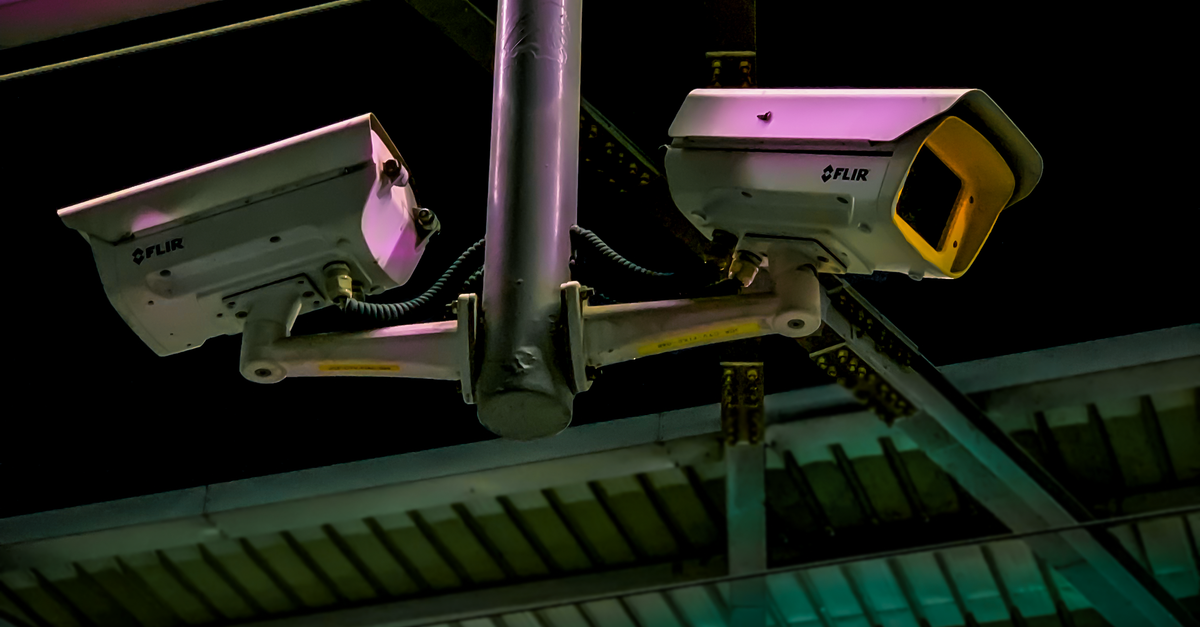
Identifying Common CCTV Camera Malfunctions and Solutions
Table Of Contents
Storage Failures
Storage issues often arise due to hard drive malfunctions, which can compromise the functionality of CCTV systems. Common symptoms include the camera not recording footage or recordings becoming corrupted. Regular maintenance can help identify potential hard drive problems before they escalate, ensuring smooth operation.
Inadequate storage capacity can also lead to failures. When cameras are set to record continuously or keep footage for extended periods, they may exceed their allocated storage limits. Upgrading to a larger hard drive or implementing a more efficient data management system can alleviate these issues. Users should assess their storage needs regularly to avoid disruptions in surveillance.
Understanding Hard Drive Malfunctions
CCTV systems rely heavily on hard drives to store recorded footage. Over time, these drives can suffer from various malfunctions due to wear and tear, overheating or power surges. When a hard drive begins to fail, users may experience issues such as corrupted files, inability to record new footage, or complete loss of access to stored data. Regularly monitoring the health of the hard drive can help prevent unexpected failures and ensure that critical security footage is reliably preserved.
Identifying the signs of hard drive malfunction is crucial for maintaining an effective CCTV system. Users should look for unusual noises, such as clicking or grinding sounds, as these can indicate physical damage to the drive. Frequent system crashes or errors when trying to access recorded footage are also red flags. Implementing a routine maintenance schedule that includes checking the drive's SMART (Self-Monitoring, Analysis, and Reporting Technology) status can aid in early detection of problems, allowing for timely replacement or repairs.
Poor Night Vision
Inadequate performance during low-light conditions can hinder the effectiveness of surveillance systems. Factors contributing to poor night vision often include insufficient lighting, camera quality, and lens characteristics. Cameras equipped with infrared (IR) technology can significantly enhance visibility in darkness. However, the effectiveness of these IR features depends on the camera's ability to detect and capture light waves.
The placement of the camera also impacts its night vision capabilities. Shadows, reflections, and obstructions can impede the camera's line of sight, resulting in unclear footage. Regular cleaning of lenses and ensuring that the camera is positioned in optimal locations can mitigate these issues. Adjusting settings such as gain and exposure can further improve night vision performance, ensuring that critical details remain visible even in challenging lighting conditions.
Enhancing Low-Light Performance
CCTV cameras often struggle to capture clear images in low-light conditions. This issue can stem from several factors, including the quality of the camera's infrared (IR) technology, sensor capabilities, and lens specifications. Upgrading to cameras that feature advanced low-light performance, such as those equipped with larger sensors or better IR illumination, can significantly improve visibility during nighttime or in dimly lit environments. Additionally, ensuring that the camera's lens is clean can prevent blockages that might hinder performance.
Another way to enhance performance in low-light scenarios is to adjust the camera settings. Features such as gain control can amplify the signal in low-light areas, allowing for clearer images. Employing motion-detection enhancements or employing external lighting solutions can also play a role in improving image quality in darkness. Regular maintenance checks can help identify if the camera requires any updates or adjustments to its settings for optimal performance.
Motion Detection Errors
CCTV cameras rely on motion detection to alert users about potential security threats. When these systems fail, it can lead to missed incidents or false alarms. Common issues include improperly calibrated sensors, which may either have too high a sensitivity, triggering alerts at minor movements, or too low, resulting in nothing registering. Environmental factors such as excessive shadows, reflective surfaces, or even insects can interfere with sensor accuracy and affect performance.
To address motion detection errors, regular calibration of the system is essential. This process involves adjusting the camera settings and the sensitivity of the sensors according to the specific environment they monitor. Users should also conduct routine maintenance to ensure that the lenses are clean and free from obstructions. Considering the placement of the cameras can also greatly improve their effectiveness, positioning them away from disturbances can minimise false alarms while ensuring that actual movements are detected.
Calibrating Movement Sensors
Proper calibration of movement sensors is essential for maximising the effectiveness of a CCTV system. These sensors rely on detecting changes in their environment, which means incorrect settings can lead to missed alerts or false triggers. Regular testing should be conducted to ensure that sensors are positioned correctly and have the appropriate sensitivity levels adjusted according to the surroundings. Factors such as lighting and the presence of obstacles can significantly influence sensor performance.
Fine-tuning movement sensors involves adjusting several parameters, including sensitivity range and detection zones. The ideal configuration varies based on the specific location and type of surveillance required. For instance, areas with frequent foot traffic may necessitate higher sensitivity, while zones with potential for stray animals might benefit from a lower setting to avoid unnecessary notifications. Checking and recalibrating these settings regularly ensures the CCTV system functions optimally.
FAQS
What are the signs of storage failures in CCTV systems?
Signs of storage failures can include inconsistent video recordings, missing footage, or error messages indicating that the hard drive is full or malfunctioning.
How can I tell if my CCTV hard drive is malfunctioning?
You may notice issues such as unusual noises coming from the hard drive, failure to record or playback videos, or the system not recognising the hard drive at all.
What can I do to improve night vision on my CCTV camera?
To enhance low-light performance, consider adjusting the camera’s settings for brightness and contrast, installing infrared (IR) illuminators, or selecting cameras specifically designed for low-light environments.
Why might my CCTV system be experiencing motion detection errors?
Motion detection errors can occur due to incorrect sensitivity settings, obstructions in the camera's field of view, or environmental factors like lighting changes that confuse the motion sensors.
How can I calibrate movement sensors to prevent motion detection issues?
Calibrating movement sensors involves adjusting the sensitivity settings, ensuring the camera is mounted at the correct angle, and regularly checking for any obstructions that could impact performance.
Related Links
Fixing Poor Image Quality in CCTV FootageNavigating Software Glitches in Digital CCTV Systems
Overcoming Remote Access Difficulties for CCTV Monitoring
Rectifying Storage Issues with CCTV Footage
Dealing with Power Supply Problems in CCTV Equipment
Troubleshooting Connectivity Issues with IP CCTV Systems
Solutions for Motion Detection Failures in CCTV Cameras